Ever since I rebuilt my AI team around an issue tracker, I’ve been really happy with how things are going. A little while ago, I threw together a parking simulator web app for my daughter with the AI team and showed it to the family, and it seems to have sparked my wife’s imagination. A few days ago, out of nowhere, she came to me with an app request. It was a weekday, so I said “sure, sure” and let it slide, but once the weekend came around, we sat down for a proper consultation.
Here’s the thing: one of the surprisingly hard things for people is expressing exactly what they want. If you’ve ever sat through a consultation with an architect or an interior designer, you know what I mean. But professionals somehow make perfect sense of all that nonsense, organize the client’s requirements, and deliver with a pretty high hit rate. That’s why they’re called professionals, I guess. And I happen to be a professional in this field. After sorting through my wife’s all-over-the-place requirements, here’s roughly what I got:
- Build a Study Planner (she’s currently preparing for the NAPLEX, the pharmacist licensing exam.)
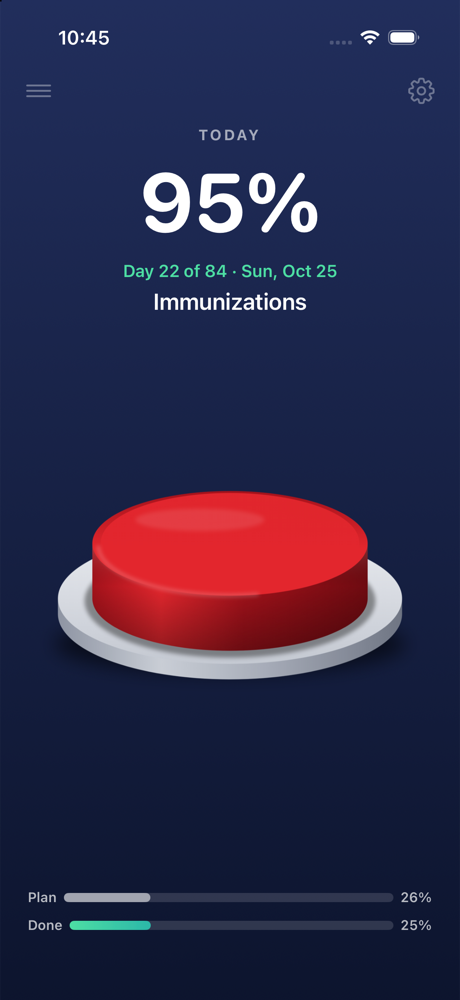
- Progress against the current goal should show up as a widget on the lock screen and home screen. Display: a big percentage number and a bar graph.
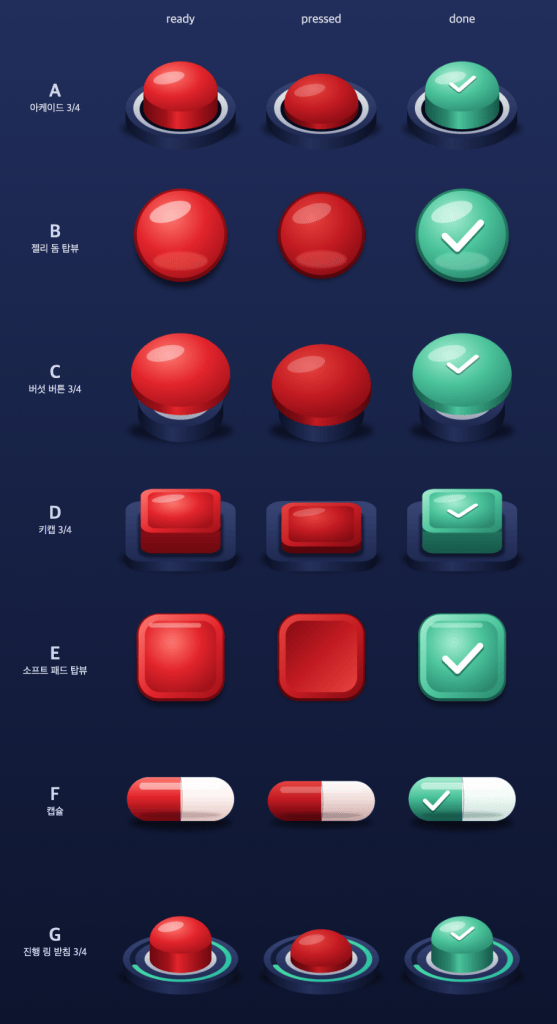
- When she finishes today’s progress, she wants to tap a big button in the middle of the app screen to celebrate hitting the goal. And it should feel satisfying to press.
- In the morning, a notification telling her today’s progress target, and in the afternoon, a notification if today’s goal hasn’t been worked on yet.
Any true professional has to fill in the holes left in the list above. I suggested what else was needed, we went back and forth on it, and pinned down the additional requirements:
- An iPhone app is all that’s needed. No multi-device. In other words, study progress only needs to be stored on the phone. Thankfully, that decision cut the development difficulty dramatically.
- She’ll provide the study plan data she already has. We decided to add an in-app editing feature.
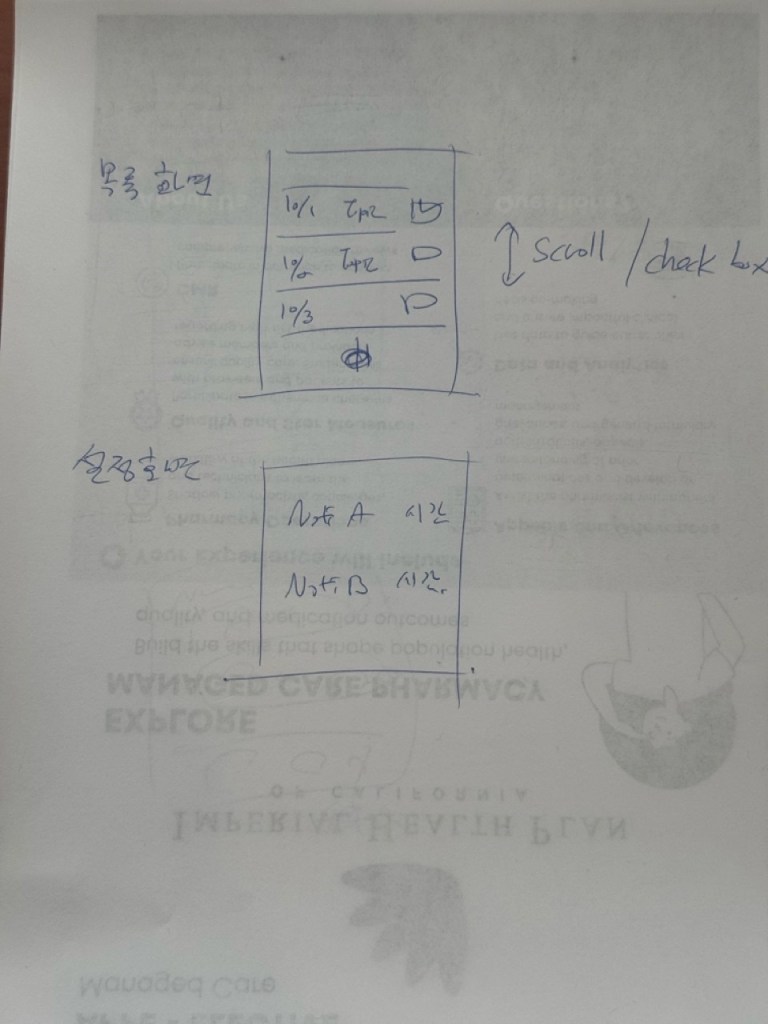
- Which meant we needed a study plan listing screen.
- A settings screen for notifications and such was added to the plan, along with a navigation plan between pages.
I turned all of this into more detailed requirements and assigned it as a task to Breda, the developer on our team. For the page design, I sketched it by hand on two sheets of paper and handed those over as a reference.
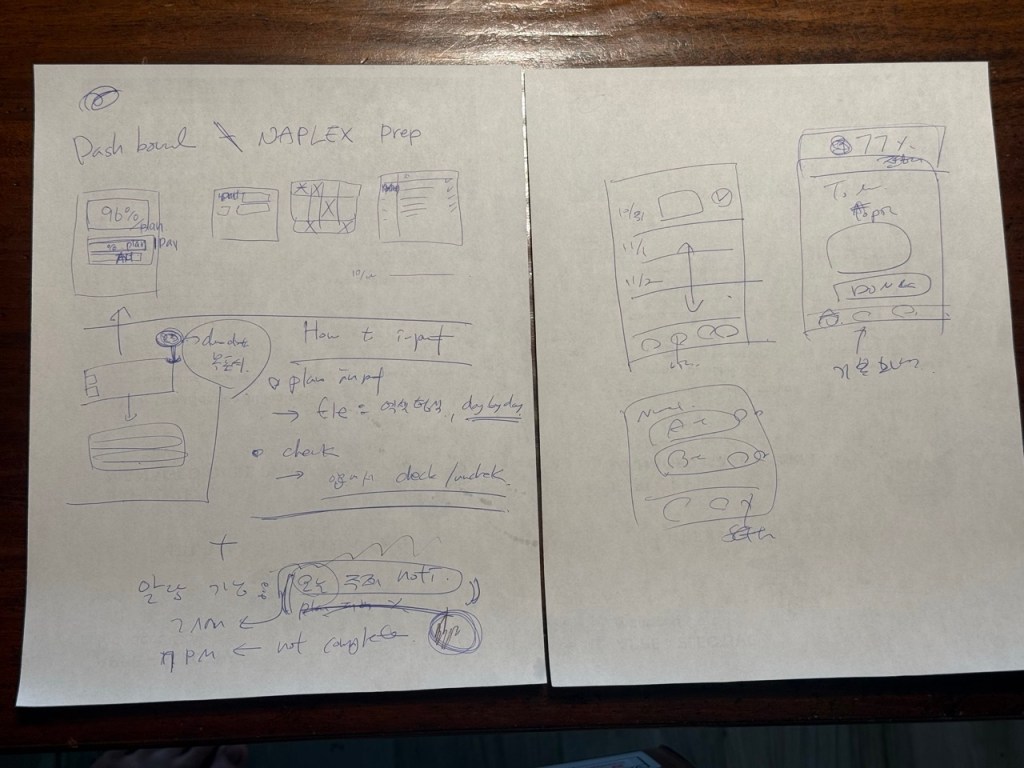
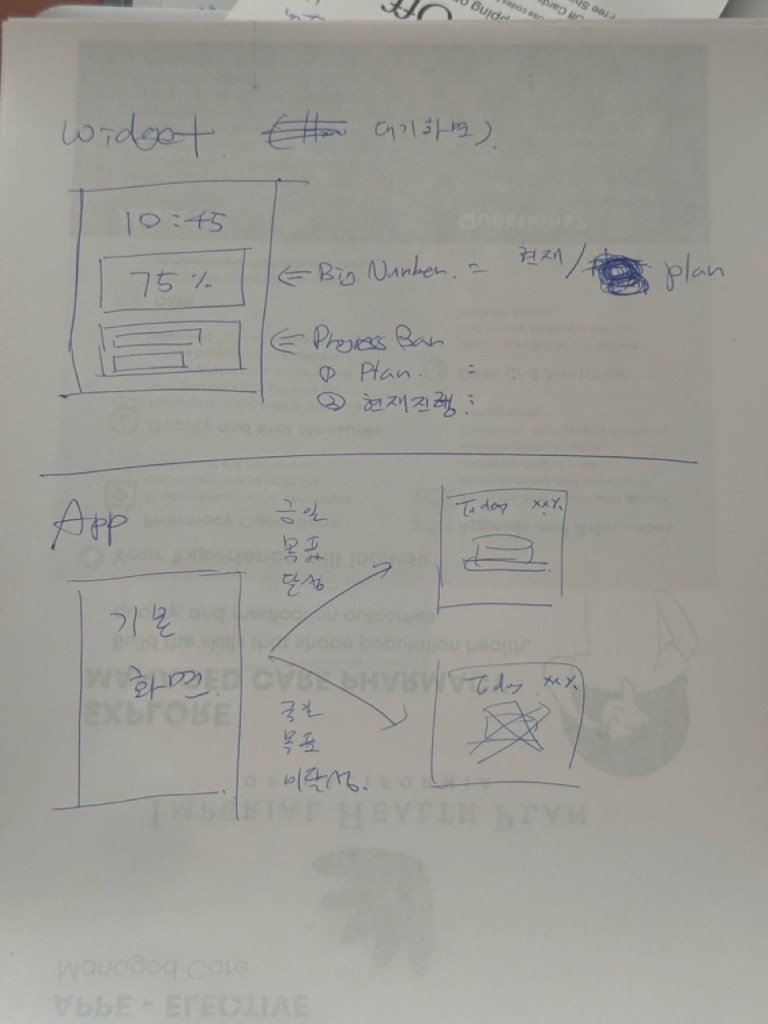
The very first iteration already produced an app that met almost all the requirements. All thanks to whoever wrote such good requirements. (Huh?) Just one thing was off: the widget size. I had pictured a widget that stretches across the full width, but I never actually spelled that out. I just said “a big widget.” So only a single 2×2 widget got built. Since it was already made, I asked to keep that one and add a full-width widget too, left a comment on the task, and reassigned it. Breda came back in no time with 4×2 and 4×4 widgets. From the consultation to this point, I think it all wrapped up in under two hours.
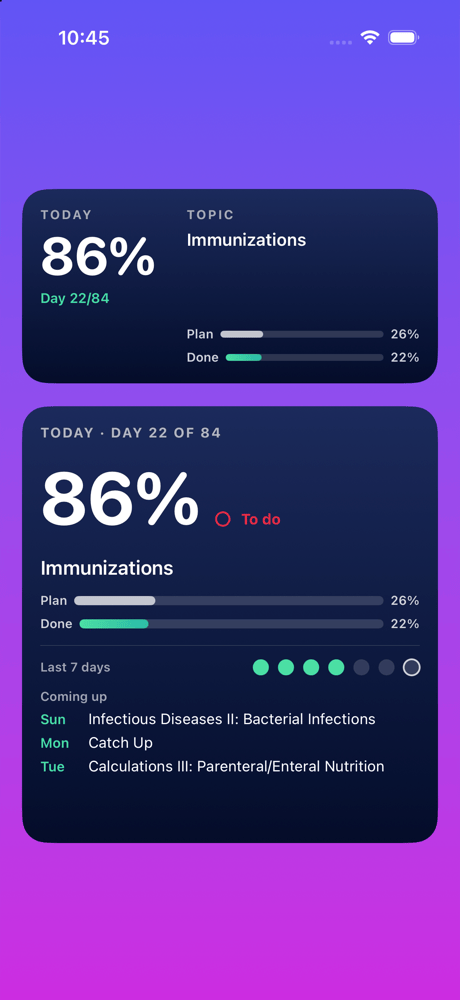
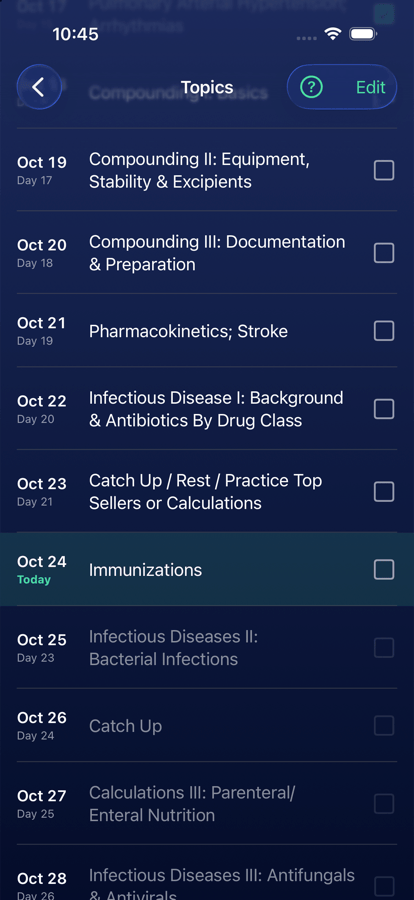
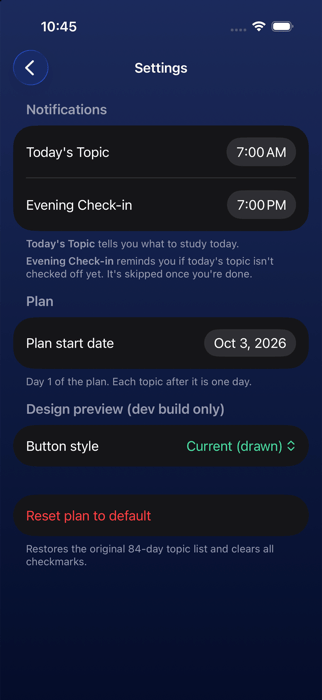
After that, right up until bedtime, I kept showing the app to my wife, getting her feedback, and making changes with Breda. But the features were already done, and every change was about design and polish. And that’s where it got hard. My wife kept sending vague design requests, and since I’m no design expert, I couldn’t turn them into proper requirements. I do have Envy on our AI team in a designer role, but I haven’t given Envy any design-asset-making skills yet, so it’s not very capable in that area. Right now, what Envy is good at is pretty much drawing original images with mflux. Looks like I’ll need to get advice from some experts around me to level up Envy’s skills. Anyway, somehow I got a passing grade from my wife.
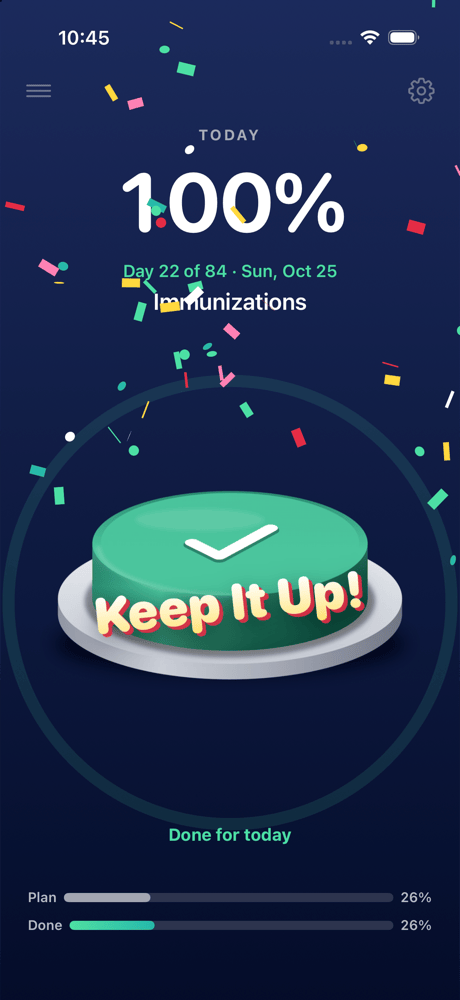
For once, I paid $98.99 to enroll in the Apple Developer Program, built the app for TestFlight, and installed it on my wife’s phone. Now it’s time to get some real-world feedback. If it goes well, she says she wants to share it with her school friends too. While I’m at it, maybe I’ll add IAP. Like Buy me a Coffee.

